

 clients' login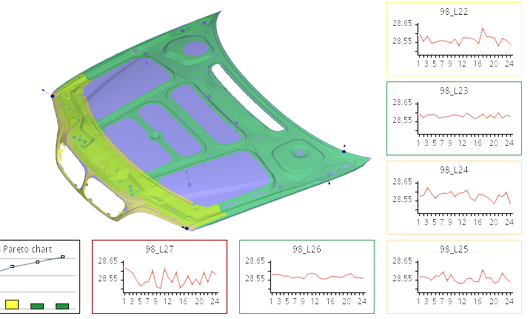
EU projects
PARKSOL IŠMANIOS PARKAVIMO SISTEMOS JUTIKLIS
Sukurti išmanų IoT parkavimo vietos stebėsenos jutiklį ir pasiekti techninės parengties lygį - TPL9. Pagrindinis sistemos elementas: mažos galios parkavimo jutiklis su jau integruotu stebėsenos algoritmu, kuris integruotas tiesiai į daiktų interneto platformas


Our Products

MonarchCharts for Java is our components library for creating charts which aids your decision making process.

MonarchCharts for Android is our components library for creating charts which aids your decision making process.